

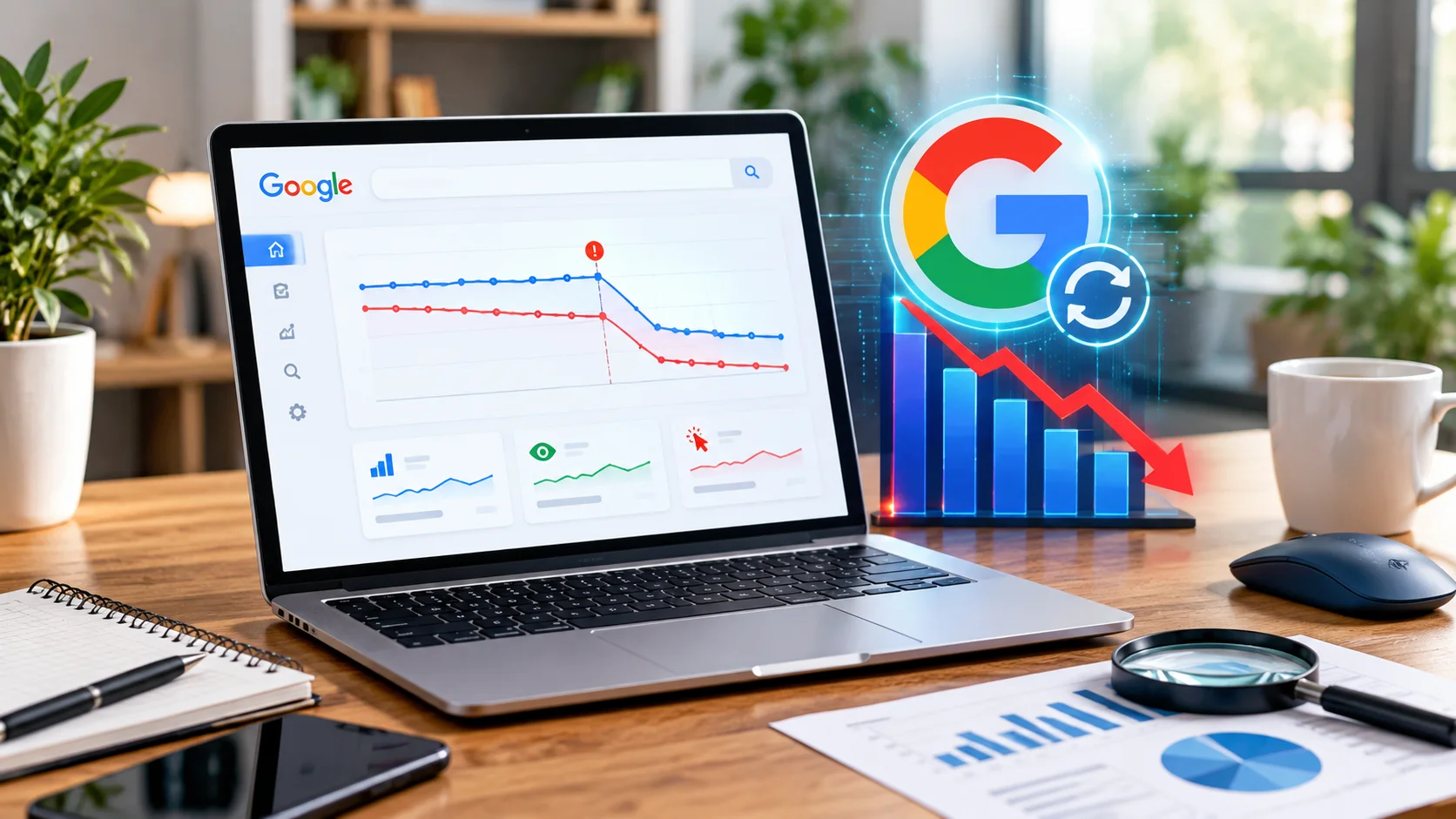
To measure the impact of the September 2026 Spam Update, you need to compare your website’s organic traffic before and after the rollout using Google Search Console and Google Analytics. Apart from this, remember to thoroughly check the clicks, impressions, average positions, and affected pages. Confirm whether the decline aligns with the update before making significant SEO changes.
There is no denying that Google spam update impact creates a good deal of changes. It can change how websites appear in search results, making it important to understand whether a traffic decline reflects a spam-related issue or another SEO challenge. Measuring the impact of the September 2026 Update requires more than checking rankings. You need to compare organic clicks and impressions, analyze affected pages, and review your website’s overall search performance to get to the depth.
How to Measure the Impact of Google's September 2026 Spam Update?
This step-by-step guide explains how to conduct a practical SEO performance analysis, identify website ranking fluctuations, and determine what actions to take based on your findings.
1. Establish a Pre-Performance Update
Before investigating the Google spam update impact, you need to establish how your website performed before the rollout.
Open Google Search Console performance report. You need to record data for 28 days preceding the confirmed update start date. Also review the previous comparable period to identify existing traffic trends.
You need to track these metrics:
- Organic clicks: The number of clicks your website received from Google Search.
- Impressions: How often your pages appeared in search results.
- Average position: Your website’s average ranking position for reported queries.
- Click-through rate (CTR): The percentage of impressions that resulted in clicks.
2. Measure Changes in Organic Traffic
The next step is to calculate the percentage change in organic clicks and impressions. However, a traffic decline alone does not prove that the spam update caused the problem. Factors like seasonality, changing search demand, competitor activities, and technical issues can also affect organic traffic. For a reliable organic traffic comparison, use equivalent date ranges, account for reporting delays, and compare year-over-year data that is relevant.
3. Use Google Search Console to Identify Affected Pages
Google Search Console traffic analysis helps you determine where performance changes are concentrated.
Open the Performance report and compare pre-update and post-update data. Apply filters to examine individual pages, search queries, countries, and devices before taking the right action for.
Look for patterns such as:
- Several important landing pages losing clicks simultaneously
- Previously strong queries showing sustained ranking decline
- Impressions remaining stable while clicks decreasing
- Specific page categories experiencing larger losses than the rest of the website
For example, if product pages maintain their visibility but informational blog posts lose impressions and clicks, you need to investigate those blog posts separately. Start reviewing their content quality, originality, relevance, and alignment with search intent. Do not assume that every affected page violates Google’s spam policies. A ranking decline can occur even when a website follows those policies.
4. Compare Search Performance with Google Analytics
Google Search Console shows how your website performs in Google Search while Google Analytics helps you understand what visitors do after arriving on your website.
Compare organic sessions, engaged sessions, conversions, and revenue wherever applicable. Use consistent reporting periods and ensure that a relevant organic search channel is selected.
| Observed Pattern | What it May Indicate | Recommended Action |
| Clicks and sessions both decline | Reduced search traffic | Investigate affected pages and queries |
| Impressions fall sharply | Reduced visibility or search demand | Review rankings and query trends |
| Clicks fall but impressions remain stable | Lower CTR or changing result layouts | Review titles, descriptions, and SERP features |
| Traffic remains stable but conversions fall | A conversion or landing-page issue | Review user experience and conversion paths |
This organic traffic comparison helps separate search visibility problems from issues affecting visitors after they land on your website.
5. Conduct a Post-Update SEO Audit
Once you identify affected sections, it’s time to conduct a focused post-update SEO audit rather than making changes without evidence on the entire site.
Review the following areas:
- Content quality: Identify thin, duplicated, outdated, or unhelpful pages that provide limited value.
- Spam policy compliance: Check for practices such as cloaking, doorway pages, or scaled content abuse that violates Google’s spam policies.
- Technical SEO: Check indexing, canonical tags, robots directives, redirects, and server errors.
- Internal linking: Ensure that important pages are accessible and linked logically.
- Backlink profile: Investigate suspicious link-building patterns where there is evidence of manipulation.
Prioritize issues supported by data, avoid deleting large numbers of pages, rewriting all content, or disavowing backlinks simply because rankings have fluctuated.
6. Monitor Recovery and Document Findings
SEO recovery takes time, and improvements are hardly guaranteed. After implementing changes, monitor performance consistently rather than expecting immediate results.
Use a weekly tracking sheet to record clicks, impressions, average position, conversions, and changes made. Annotate important dates, including the confirmed update rollout and significant website modifications.
Conclusion
Frequently Asked Questions
How do I know if the September 2026 Spam Update affected my website?
Compare organic clicks, impressions, and average positions in Google Search Console before and after the confirmed rollout dates. If your website experienced a sustained decline during this period, investigate affected pages and queries before attributing the change to the update.
How can I measure the Google spam update impact using Google Search Console?
Open the Performance report and compare equivalent date ranges. Review clicks, impressions, CTR, and average position. Filter the data by page and query to identify which sections of your website experienced the most significant changes.
What should I do if my website traffic drops after a Google update?
Start by checking the update’s rollout status, Search Console manual actions, indexing issues, and technical errors. Next, review content quality and compliance with Google’s spam policies. Make targeted improvements based on evidence rather than making widespread changes immediately.
How long does it take for website rankings to recover after a spam update?
Recovery timelines vary depending on the underlying issue, the changes implemented, and Google’s subsequent evaluation of the website. Some improvements may take weeks or longer to become visible. There is no guaranteed recovery timeline.
Which metrics should I track during a post-update SEO audit?
Track organic clicks and impressions, CTR, average position, organic sessions, conversions, and revenue where relevant. Monitor these metrics weekly and compare equivalent periods to identify sustained trends rather than temporary ranking fluctuations.